Webcams, PTZ cameras, and AI-powered systems for professional video conferencing, meeting rooms, and hybrid spaces.
Explore 4K, 1080p, or 720p options for video calls, hybrid meetings, streaming, and online training. We help you choose based on room size and platform.
We cover all types of meeting rooms.
All-in-One Systems.

TALK TO A
SPECIALIST
View camera types >
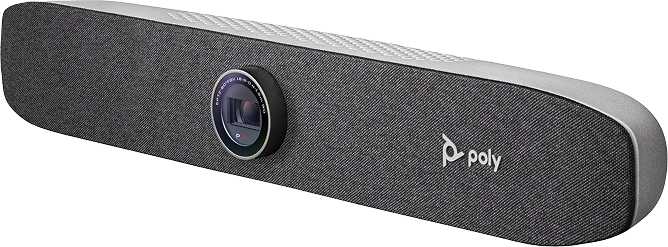
Explore the main types of video conferencing cameras, from webcams for home offices and small rooms to PTZ cameras and AI-powered systems for large rooms, auditoriums, or streaming. We help you choose based on room size, platform, and meeting type.
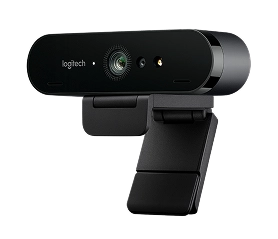
For home offices and Huddle Rooms.
Full HD / 4K
Plug & Play
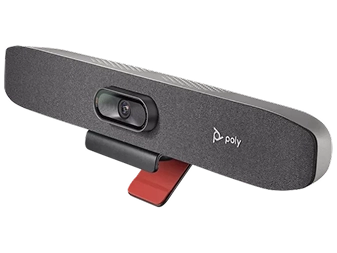
Small and medium rooms.
Cámara + micrófonos + parlantes en un solo equipo
Auto-framing and people tracking.
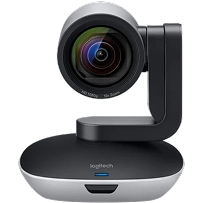
Medium and large rooms. Auditoriums
Remote or automatic control.
Powerful optical zoom.
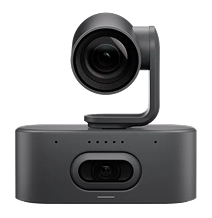
Hybrid rooms and dynamic meetings.
People auto-framing and speaker tracking.
Participant detection.
Better remote experience.
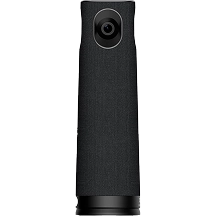
Corporate streaming.
Maximum image quality.
Requires additional equipment.
Complete audiovisual experience.
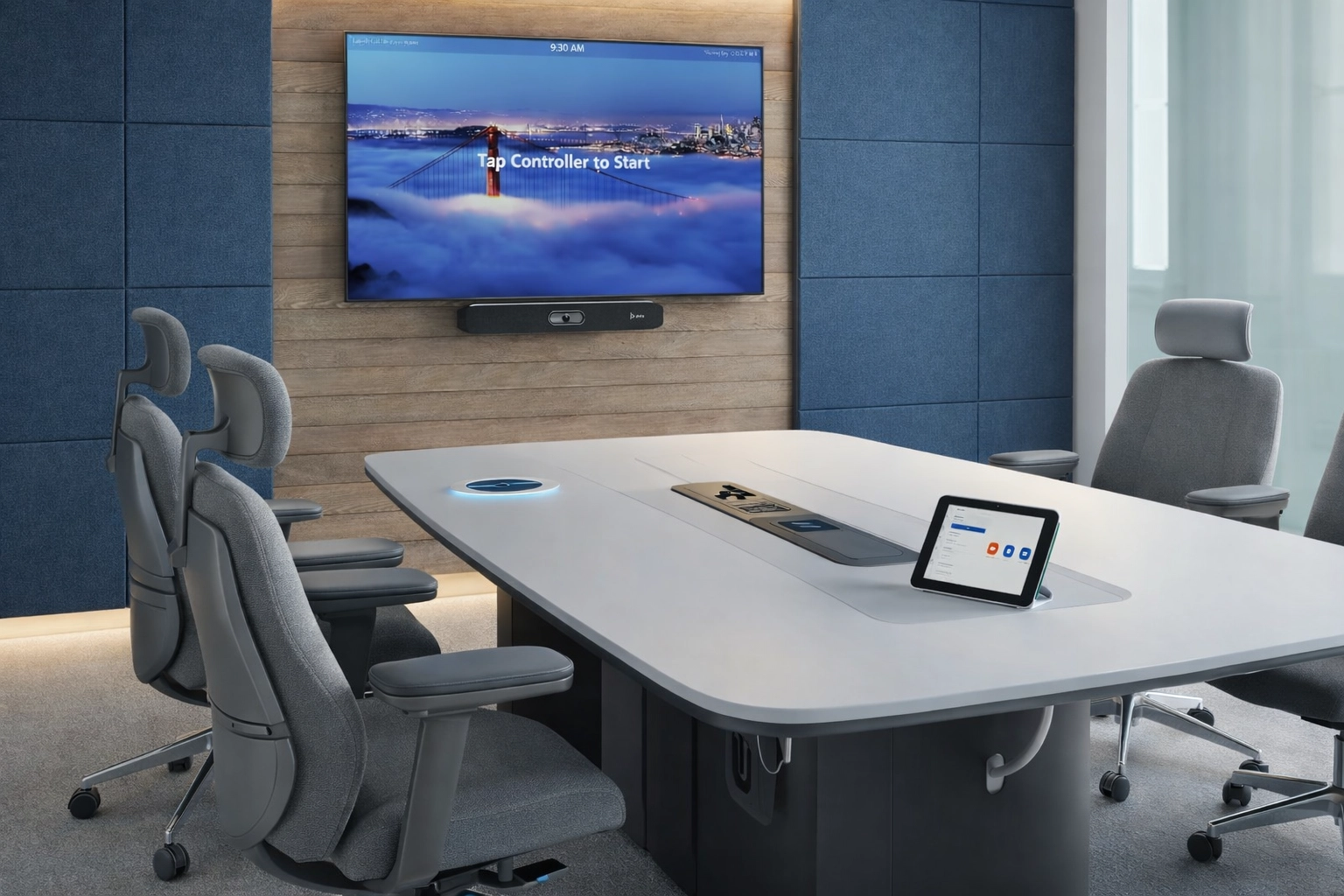
Before buying, define the room size, number of people, platform (Teams/Zoom/Meet), need for zoom/PTZ, and whether you want features like auto-framing or speaker tracking. With that information, we’ll recommend the right kit and get it up and running.
2–4 people: 1080p/4K webcam + integrated audio or compact microphone.
5–10 people: All-in-One system (bar/integrated solution) + display.
7–12 people: PTZ camera + dedicated microphones (better coverage).
12+ people: AI / multi-camera setup + distributed audio (scalable).
Explore certified brands and validated solutions to standardize your rooms.

All-in-one video conferencing kits for hybrid rooms.
View Poly HP

Modular systems for small to large rooms.
View Logitech

Equipment for businesses with certified compute devices.
View Lenovo

Collaboration and video conferencing for interactive rooms.
View i3-Technologies
AV integration and centralized room control.
View Crestron
We have representatives across the region to assist with all your inquiries about cameras for all types of systems.
"*" indicates required fields
For 2–4 people, a video conferencing webcam (1080p/4K) is usually enough. If you want a more all-in-one solution, an All-in-One system improves audio and delivers a more consistent experience.
When the room is medium-sized, you need to cover multiple people, capture whiteboards or presenters, and want flexible zoom and framing.
Not always, but it helps in rooms with large displays, challenging lighting, or when you want digital cropping while maintaining good sharpness.
It depends on the size of the room and the number of participants. For small rooms, a Full HD or 4K webcam may suffice, but for medium-sized rooms or those with multiple attendees, it’s best to consider an all-in-one or PTZ camera that offers better framing and coverage.
Yes, depending on the model. We can recommend certified devices to ensure a stable and consistent experience.
Room size, number of people, platform (Teams/Zoom/Meet), whether you already have a display/audio setup, and your goal (meetings, classes, streaming, events).
A webcam is typically designed for individual use or small rooms. A professional video conferencing camera offers better optics, a wider field of view, zoom, auto-framing, participant tracking, and better integration with audio systems and corporate platforms.
Request a FREE DEMO
X"*" indicates required fields