Conference room equipment brings together the cameras, microphones, speakers and displays that turn a meeting space into a professional video conferencing system — scoped, installed and supported by Newtech.
Certified AV equipment for Microsoft Teams Rooms, Zoom Rooms and more.
Leading cameras, microphones, and displays: Logitech, Poly, Shure, and more.

TALK TO A
SPECIALIST
View equipment >
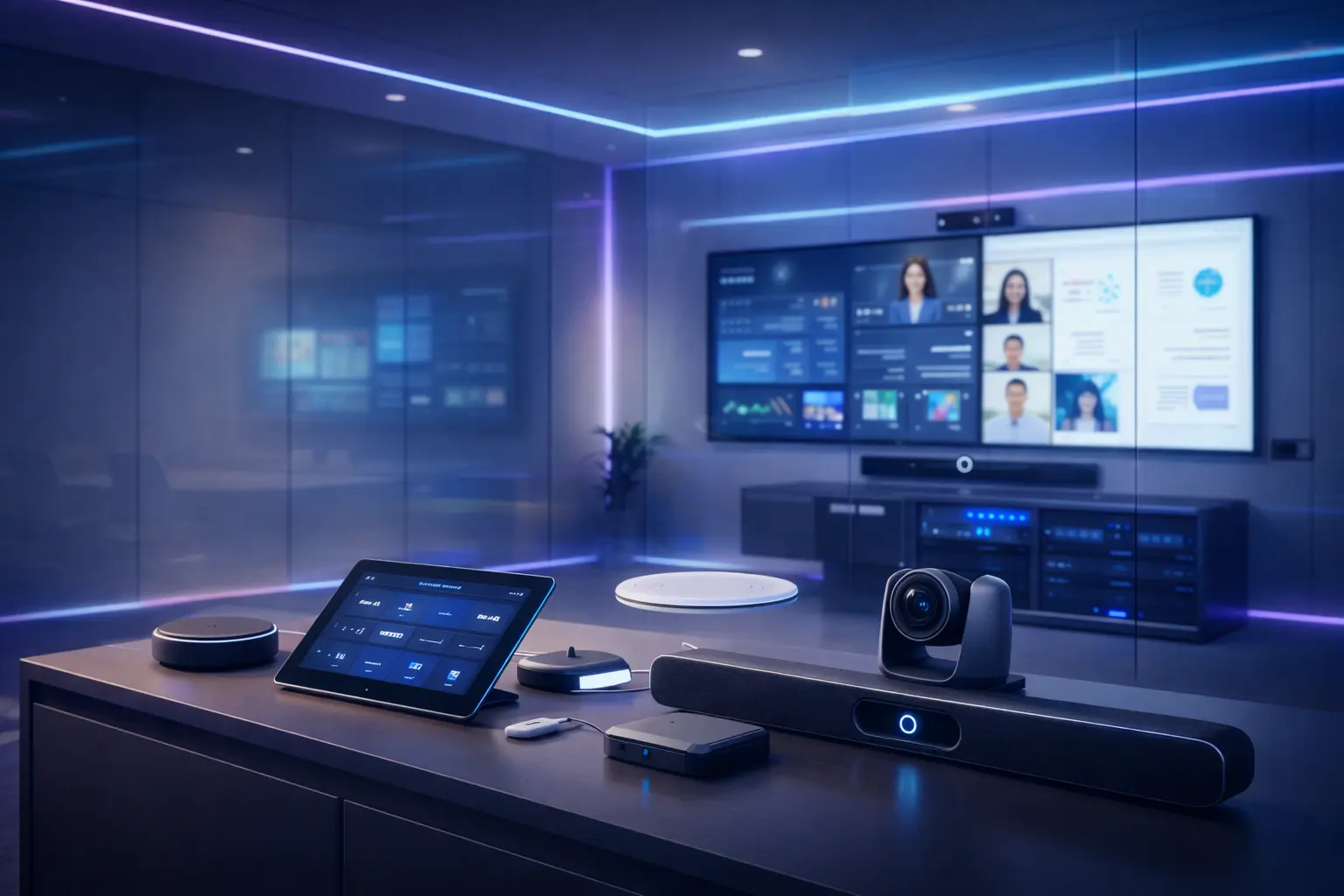
Smart PTZ and all-in-one cameras with AI auto-framing — a key component of video conferencing systems for professional meeting rooms.
Microphones, speakers and soundbars for clear, consistent audio in hybrid meetings — the core of any conference room audio system.
4K displays and monitors for meeting rooms: sharp visuals and digital signage for presentations and hybrid meetings.
Videowalls for large conference rooms and high-impact spaces. Turnkey design and installation.
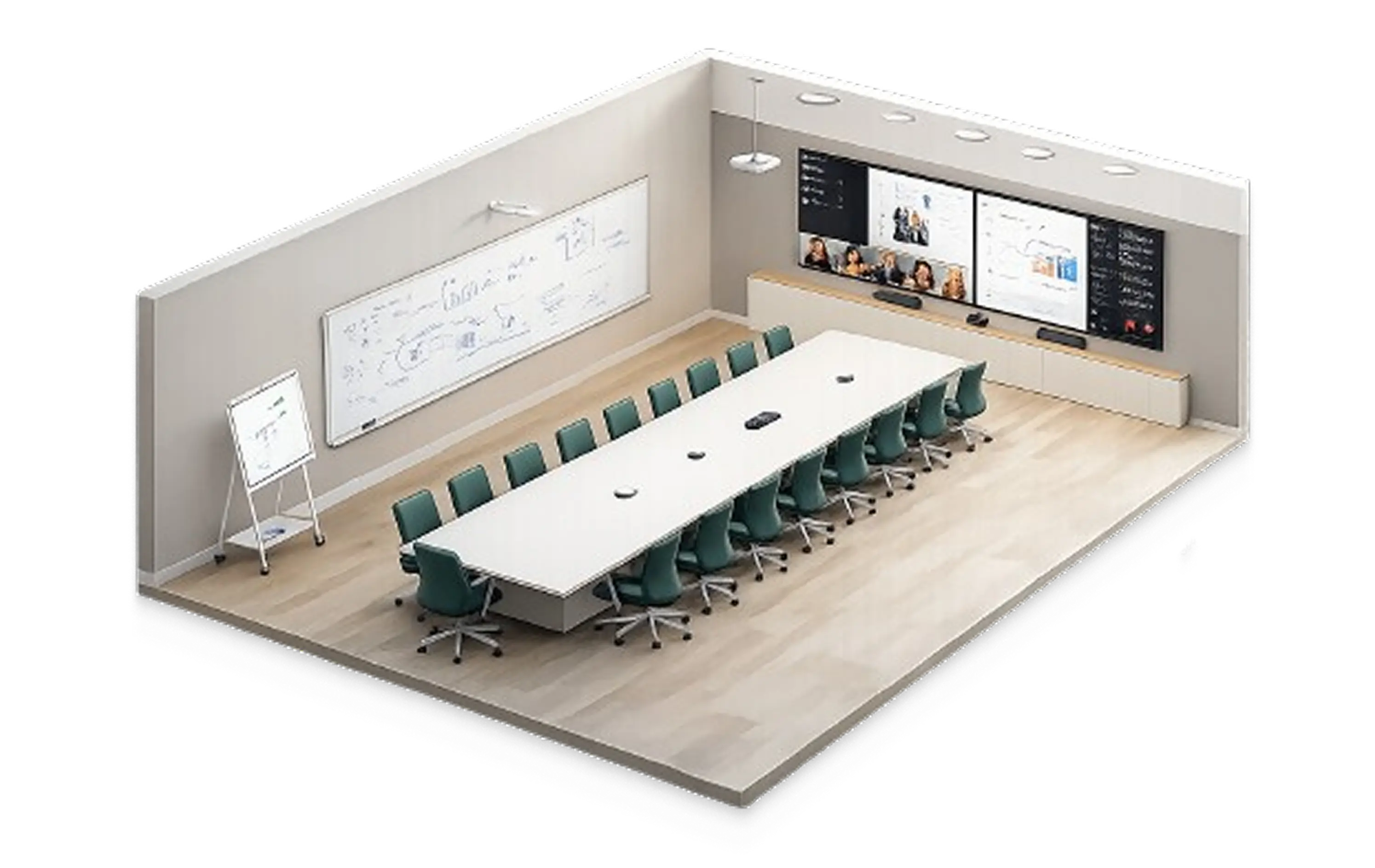
We scope each kit by room size, usage and setup type — BYOD or dedicated system. From all-in-one bars for compact meeting spaces to full room systems for large spaces, every configuration ships as a ready-to-use conference room kit with audio and video tuned for hybrid meetings.
Small
Medium
Large
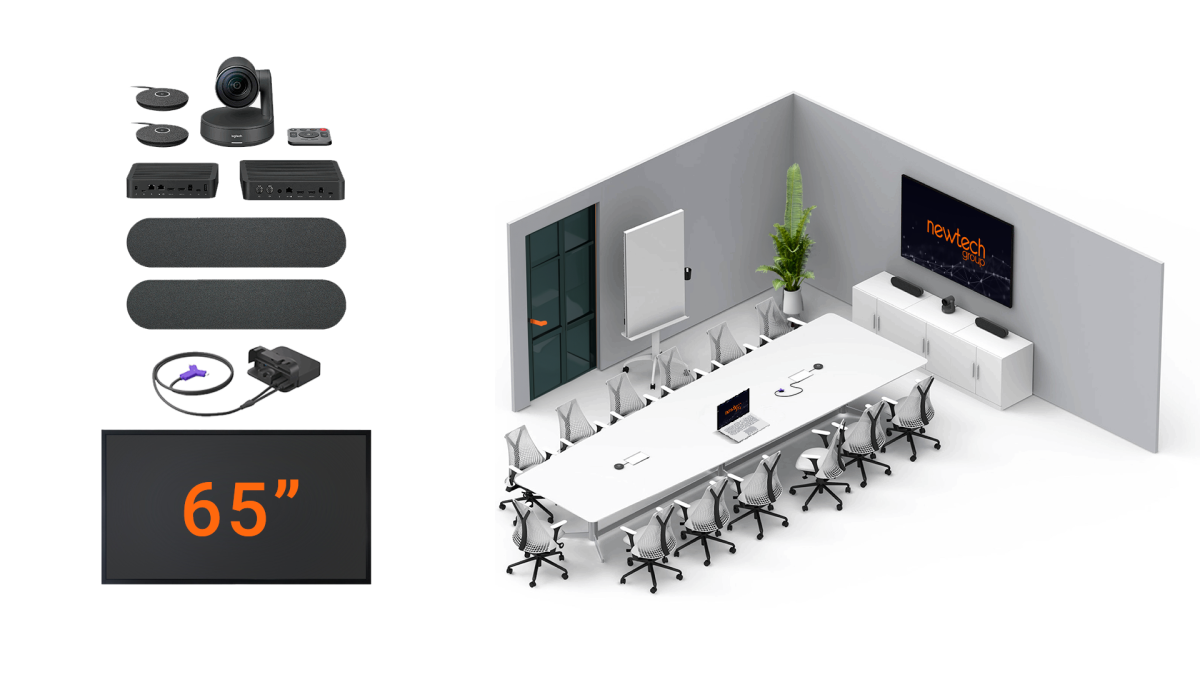
Small
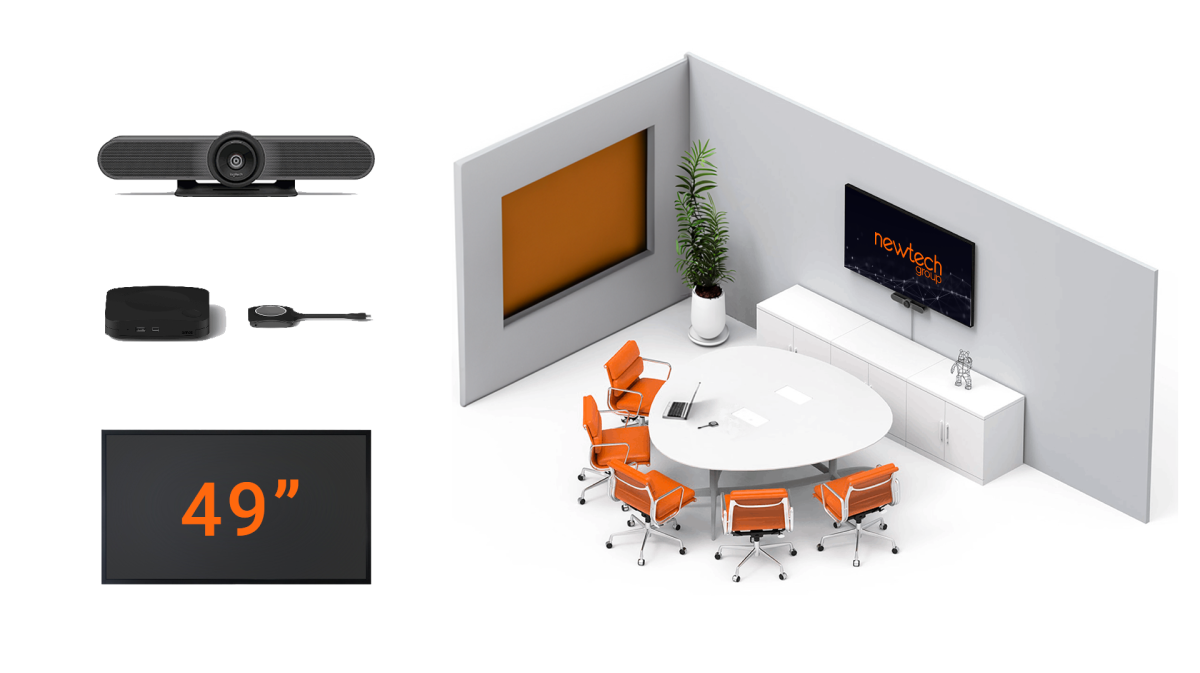
Medium
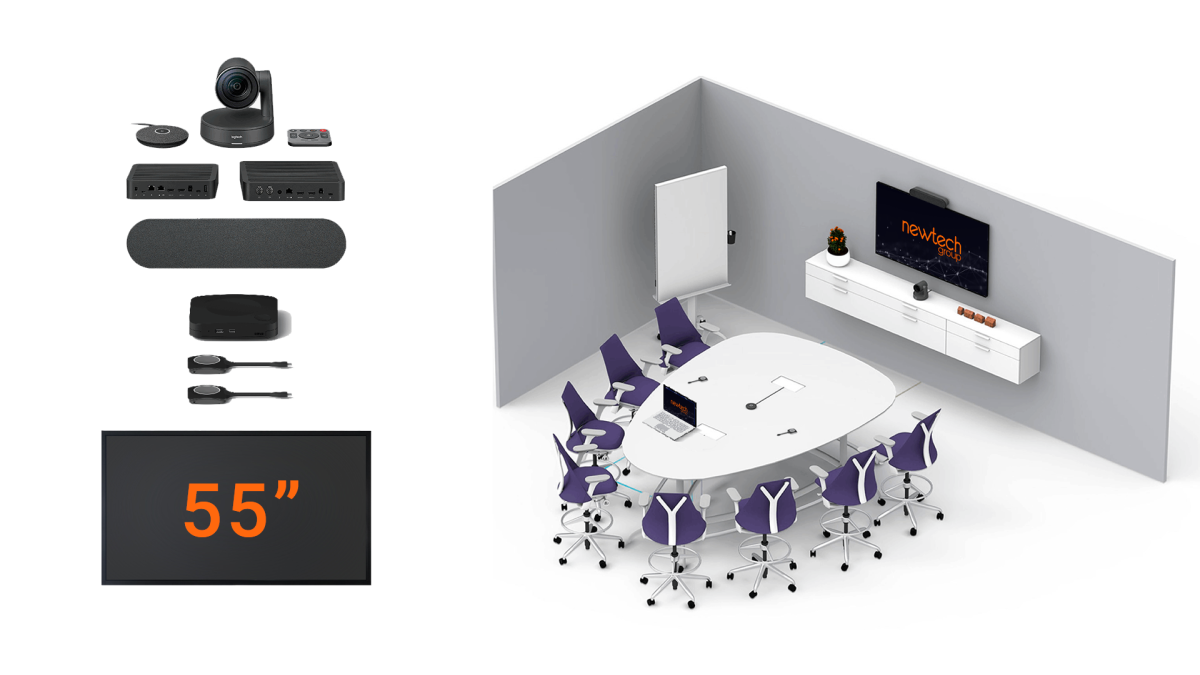
Large
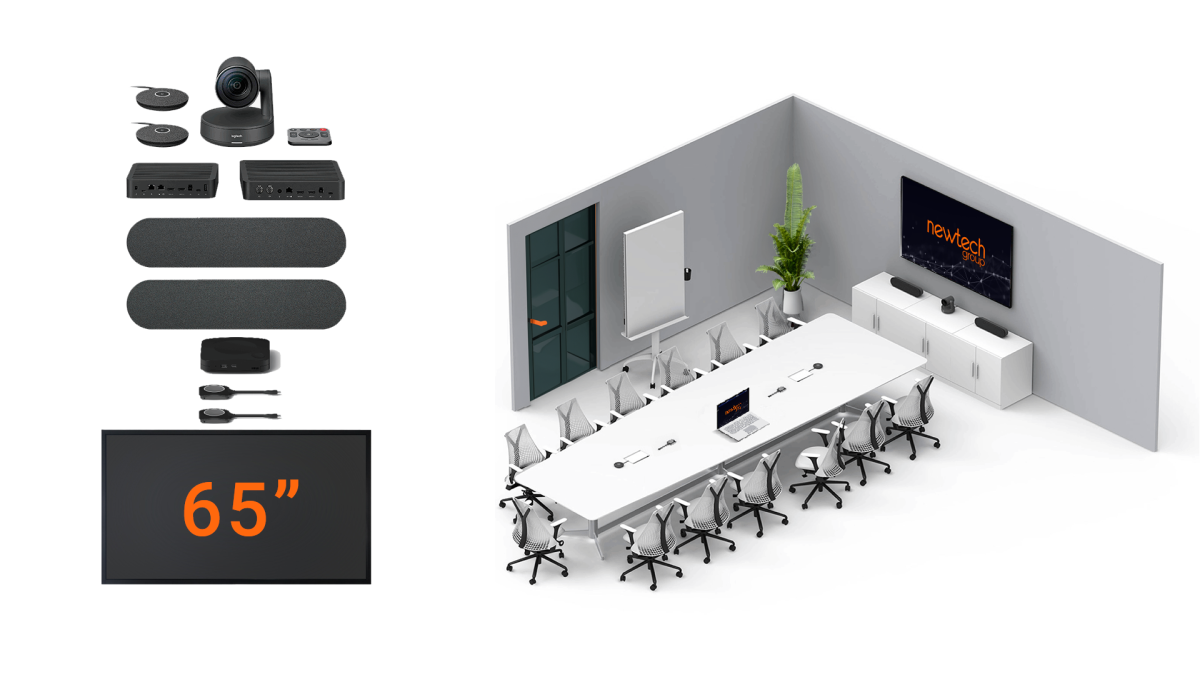
Small
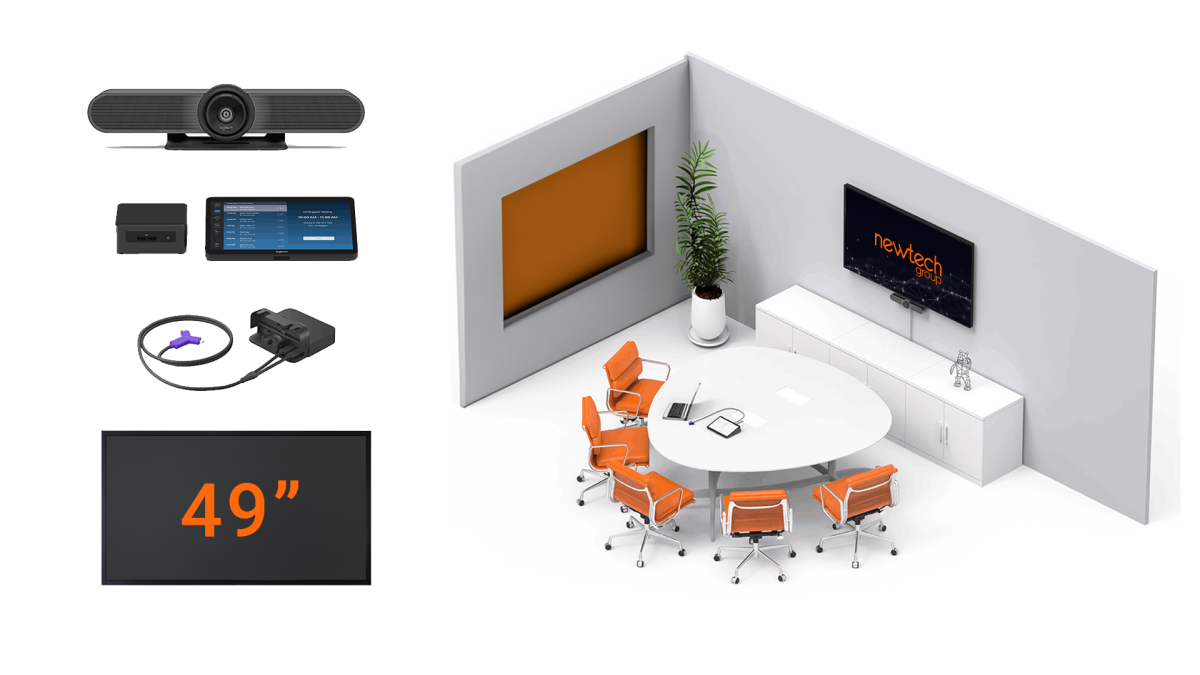
Medium
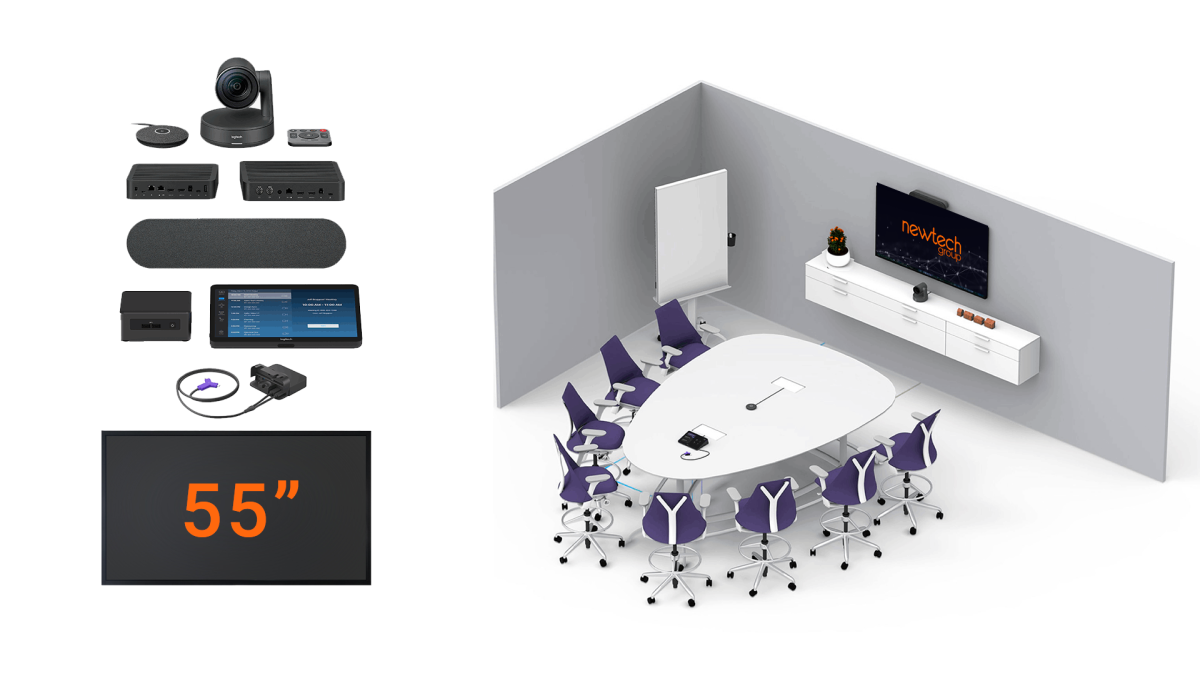
Large
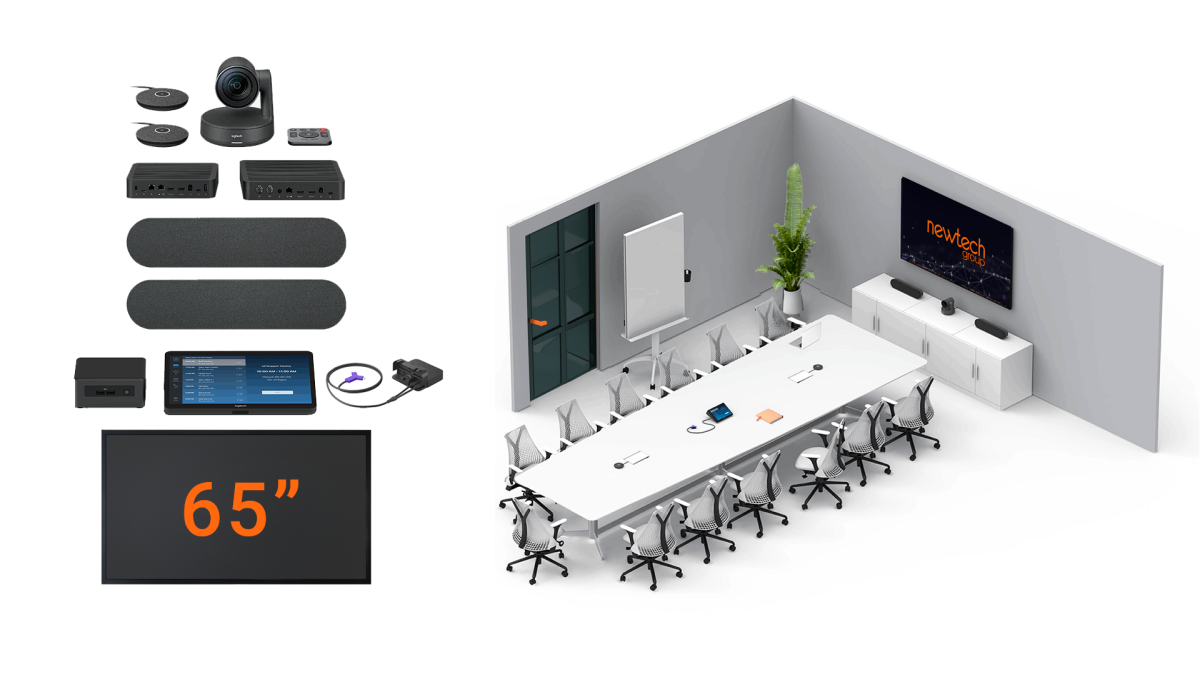
Conference
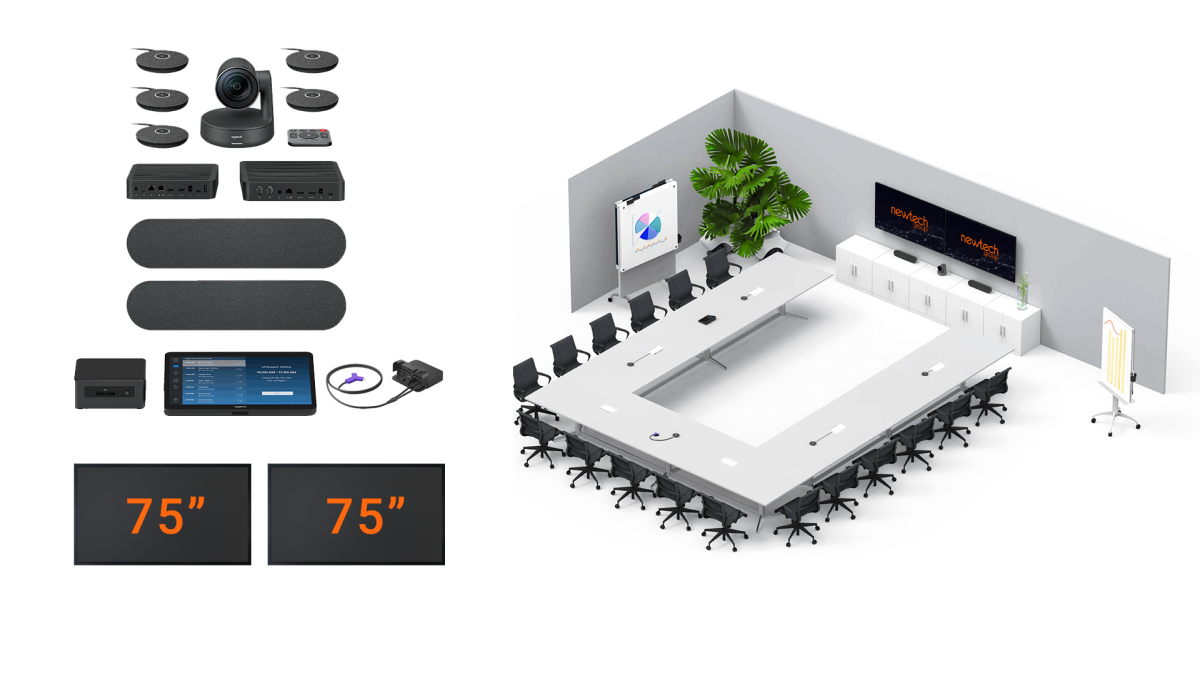
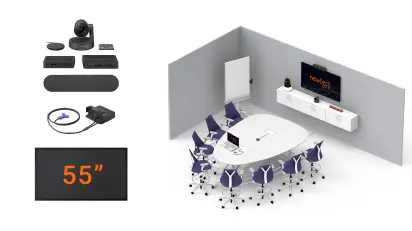
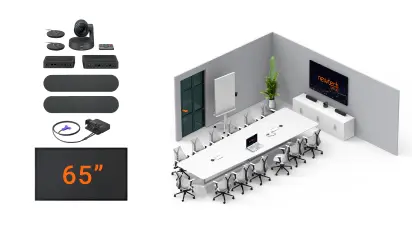
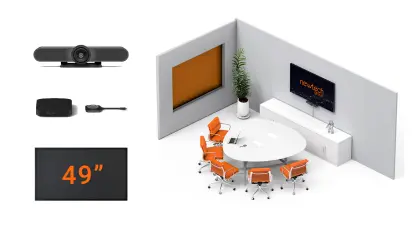
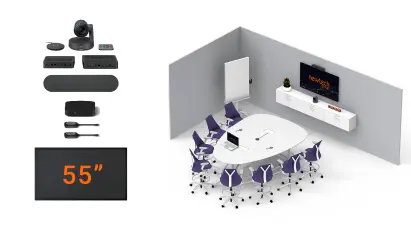
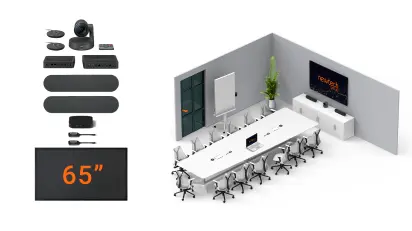
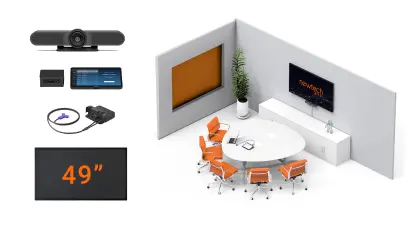
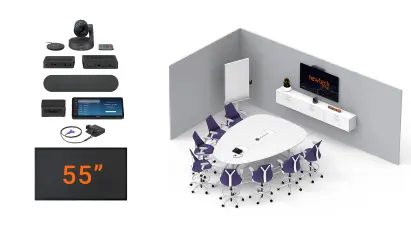
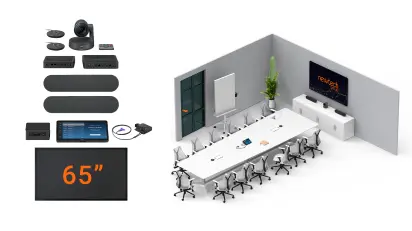
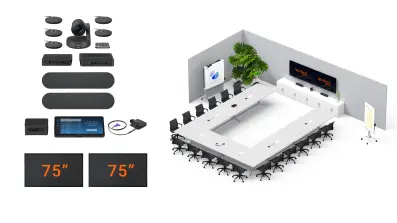
As a multi-brand supplier and integrator, we work with Logitech, HP Poly, Shure, Crestron, Neat, Yealink, Jabra and Biamp — all certified for Microsoft Teams and Zoom





















A complete conference room equipment package combines a certified camera, an audio system, microphones, speakers, a 4K display, and a compute device. As a video conferencing equipment supplier and provider, Newtech scopes each setup according to the size, layout, and usage of the room.
Every configuration is delivered as ready-to-use conference room equipment — modern room technology that connects hardware, video conferencing platforms and collaboration tools, certified for Microsoft Teams Rooms and Zoom Rooms.
All-in-one video conferencing bar with built-in camera, microphone and speaker — room equipment for small collaboration spaces (2–4 people). Join meetings with one tap, with a single display in BYOD or dedicated setup.
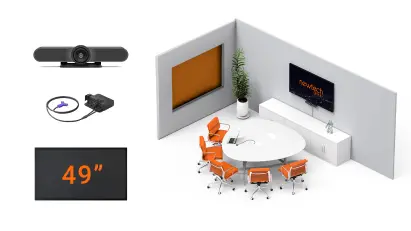
Learn more about huddle rooms →A certified camera, a large high-definition display, table or bar microphones and speakers — meeting room equipment for small meeting rooms (5–10 people) with fast, easy content sharing over HDMI or wireless.
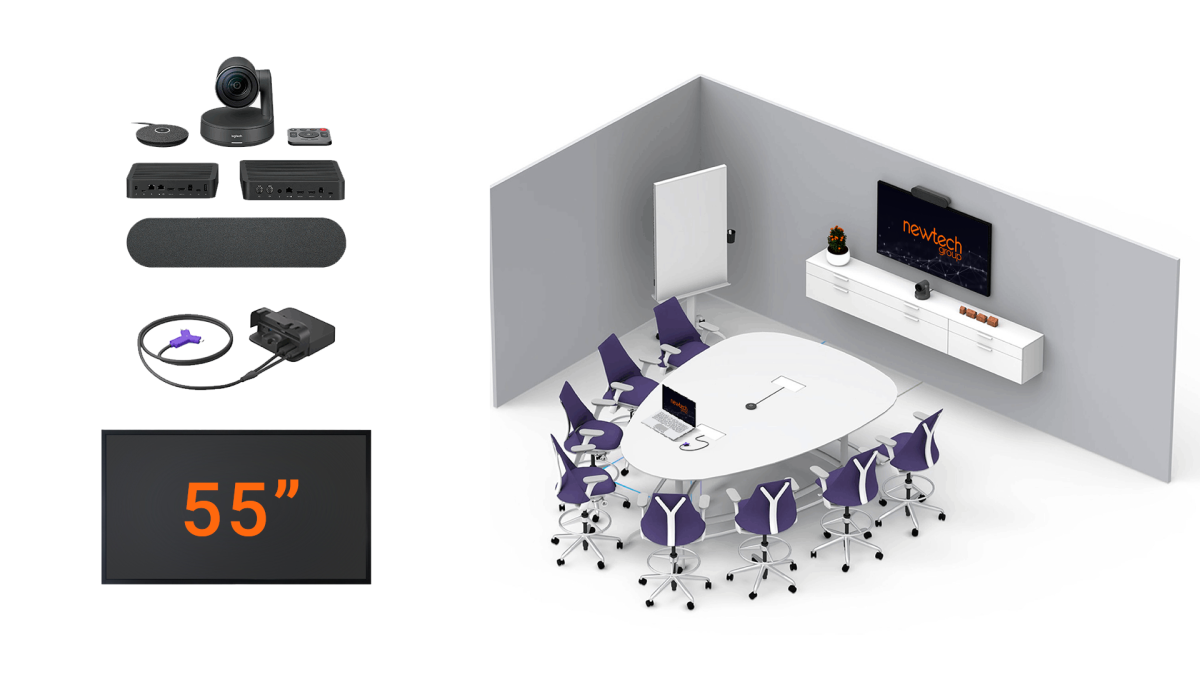
Learn more about small meeting rooms →A certified camera, 4K display, table or bar microphones, speakers and a compute device — meeting room equipment configured for standard rooms with multiple participants (7–12 people) on Teams or Zoom.
Learn more about medium meeting rooms →Professional conference room AV equipment with ceiling or expansion microphones, PTZ or multi-camera AI tracking, dual or larger 4K displays (or a videowall) and DSP audio — teleconferencing equipment built for large conference rooms and executive boardrooms (12+ people), with touch control for a polished one-touch experience.
Learn more about large meeting rooms & boardrooms →We help you choose the ideal conference room equipment and professional video conferencing system for every space in your company. From cameras and audio to displays, control, and installation, we implement business meeting room systems that are ready to operate.
From video conferencing system design to equipment installation and support, we take care of everything.

We assess your current spaces and define the meeting room equipment you need: cameras, microphones, displays, and control systems. We recommend the ideal brands and models based on the size of each room and your organization’s collaboration platform.

We design the complete project: camera placement, microphone distribution, display sizing, and required connections. We coordinate the installation and leave each room operating as a ready-to-use meeting room kit.

We train your teams to get the most out of your conference room equipment. We teach best practices for usage, audio control, and optimizing the hybrid meeting experience.

We integrate the equipment with your collaboration platforms Microsoft Teams Rooms, Zoom Rooms and more) and with existing systems such as calendars, digital signage, and room control. We ensure full compatibility.

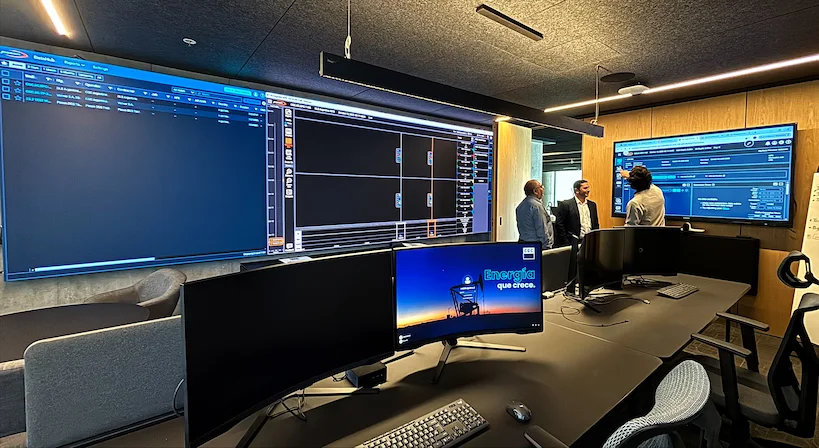
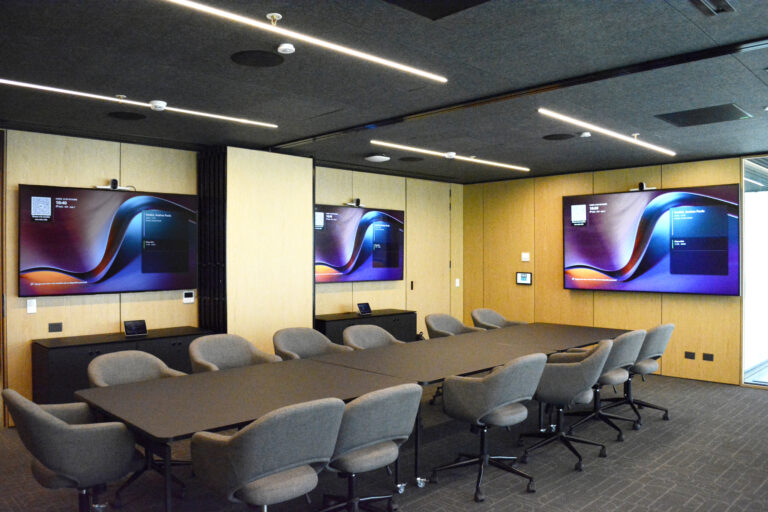
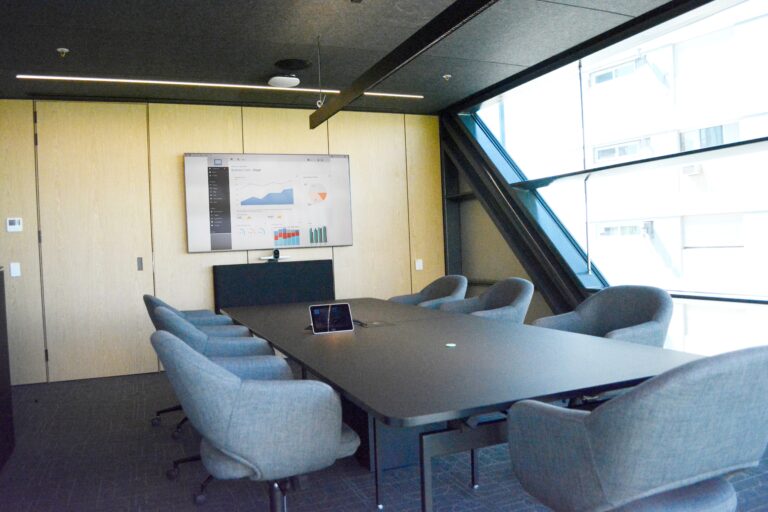
With the modernization of more than 90 spaces, we enabled technical teams and executives to connect in real time without friction: the experience is simple, consistent, and reliable. The integration of platforms, high-end audio and video, and centralized control allowed us to standardize rooms and accelerate decision-making when operations demand it.

We have representatives in various locations throughout the region to answer all your questions about audiovisual equipment and videoconferencing systems for businesses.
"*" indicates required fields
Tell us what kind of rooms you want to equip or systems you want to upgrade. A Newtech specialist will help you determine the right solution based on the space, the platform, and the experience your team needs.
View recommended configurations, certifications, and available equipment based on room size.
All-in-one video conferencing kits for hybrid rooms.
View Poly HP
Modular systems for small to large rooms.
View Logitech
Equipment for businesses with certified compute devices.
View Lenovo
Collaboration and meeting room equipment for interactive rooms.
View i3-Technologies
AV integration and centralized room control.
View Crestron
A professional meeting room typically needs a camera with speaker tracking and AI framing, an audio system with table or ceiling microphones and quality speakers, a 4K display, and a certified compute device (such as an all-in-one video conferencing kit). Small rooms work well with an all-in-one bar, while large conference rooms and boardrooms (12–20+ people) need multi-camera setups, expansion microphones and dual displays or a videowall. All equipment should be certified for the platform you use Microsoft Teams Rooms, Zoom Rooms and more.
A BYOD (Bring Your Own Device) kit lets each user connect their laptop and run the meeting from their own Microsoft Teams, Zoom or other platform account — it's more flexible and cost-effective. A dedicated system (Microsoft Teams Rooms or Zoom Rooms) has its own built-in compute device and is always ready with one-touch join, for a better, more consistent experience. For rooms with high turnover or executive spaces, a dedicated system is usually the better investment.
We do both. As a conference room AV equipment supplier and integrator, we scope the right meeting room equipment, install and configure it, and hand over a complete, ready-to-use video conferencing system — not just hardware. You get one partner for equipment, installation and ongoing support.
Yes. We roll out and standardize conference room equipment across multiple rooms, sites and countries — we've modernized 90+ spaces for a single client. Standardizing your meeting room technology gives every room a consistent experience and makes support far simpler.
Yes. We integrate new conference room AV equipment with your existing systems — displays, room control, calendars and digital signage — and with your platform, whether that's Microsoft Teams Rooms, Zoom Rooms or another platform. We always assess what you already have before recommending anything new.
The cost depends on room size and the level of technology — cameras, microphones, displays, audio, platform integration and installation all factor in. Because every space is different, we scope each project and give you accurate pricing after a quick assessment, so you invest only in the equipment each room actually needs.
Absolutely. We start with a free assessment of your spaces and can arrange a demo of the recommended video conferencing equipment, so you see the right setup for each room size before you invest. Request an assessment to get started.
TALK TO A SPECIALIST
We will be in touch shortly.
"*" indicates required fields