






ESTADOS UNIDOS
bandera estados unidos

-

ARGENTINA
bandera argentina
-
BRASIL
bandera mexico
-
MÉXICO
bandera mexico
-
CHILE
bandera chile
-
COLOMBIA
bandera colombia
-
PERÚ
bandera peru
Eventos
Conectando futuro
eventos newtech icon
Events
It doesn't matter where but what you have to say.

What we do

We optimize your workspaces with advanced audiovisual technology to boost productivity and collaboration.
Managed Telephony Services
All comprehensive voice services for Microsoft Teams.
Teams Direct Routing
Voice integration with
Microsoft Teams.
SBC Management
Optimization and management of your voice infrastructure.
PBX Elimination
Upgrade your communication by securely eliminating your PBX.
Adoption and Change Management
Adoption and management to unlock the potential of Microsoft Teams.
BeComm
Unlock seamless connectivity and collaboration within your organization with BeComm.
Ad-Hoc Teams Apps Development
There are no limits for imagination.
Viva Suite
Use all the power that brings Microsoft Tools.
Microsoft 365
Elevate efficiency and collaboration in your business by deploying Microsoft 365.
Adoption and Change Management
Power success with effective adoption and change management.

Digital Signage: Visual Communication Matters

|

1 de April de 2025

Share:

facebook icon
linkedin icon
twitter icon
whatsapp icon
link icon
mail icon
telegram icon

Florencia

AV & Collaboration Specialist

Visual communication helps organizations make information easier to understand, remember, and act on. In offices, retail spaces, healthcare facilities, campuses, transportation hubs, and operational environments, people often need clear messages at the exact moment they are moving through a physical space.

Digital signage is one of the tools that makes this possible. Instead of relying only on printed posters or static notices, companies can publish timely visual content, update messages remotely, and adapt communication to different locations, audiences, and moments of the day.

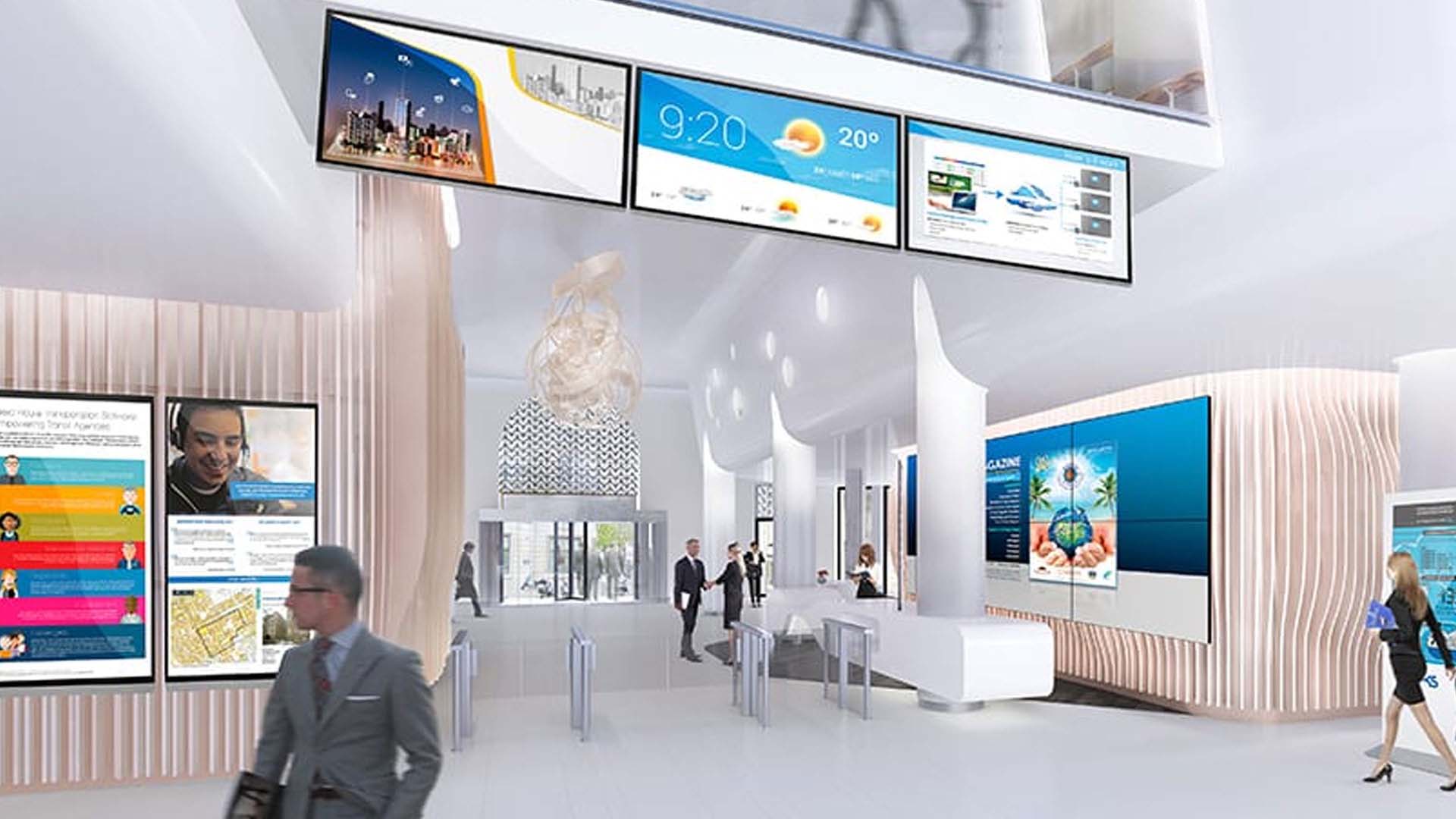
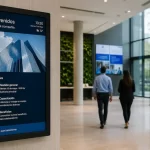
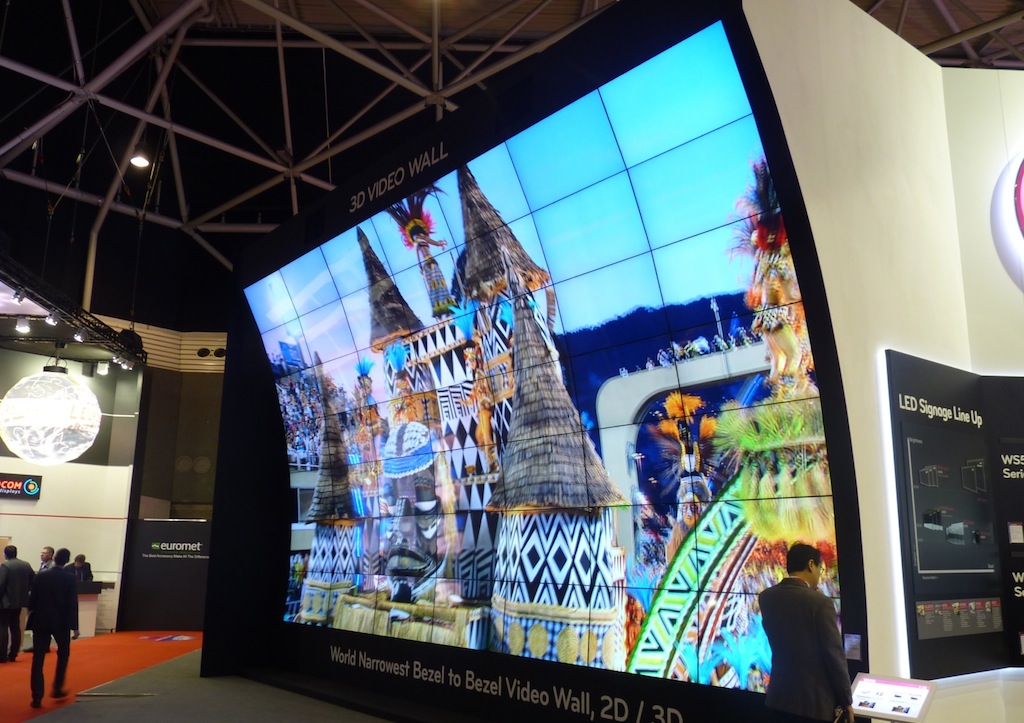
Digital signage used for visual communication with professional displays

Why visual communication matters in physical spaces

Most organizations already communicate through email, intranets, messaging platforms, and collaboration tools. The challenge is that many important messages still need to reach people while they are inside a space: entering a building, waiting in a lobby, walking through a store, arriving at a meeting room, or monitoring an operation.

In those situations, visual communication works because it is immediate. A screen can highlight the right message without requiring people to open an app, search for an email, or ask someone for directions.

  • It improves visibility: key information can be shown where people naturally look.
  • It supports faster updates: messages can change in real time without replacing printed material.
  • It keeps communication consistent: brand, tone, and design can remain aligned across different spaces.
  • It reduces friction: visitors, employees, and customers can understand what to do next more easily.
  • It scales across locations: a central team can coordinate content for one screen, one building, or a distributed network.

Where digital signage adds value

Digital signage is most useful when content needs to be visible, current, and location-specific. It can support communication goals that are operational, commercial, institutional, or cultural.

1. Clearer internal communication

In corporate environments, screens can be used for HR updates, safety reminders, company news, performance dashboards, visitor information, room schedules, and culture-related messages. This is especially useful in offices where not every employee checks the same internal channels at the same time.

2. More flexible customer and visitor guidance

In lobbies, reception areas, retail stores, hospitals, campuses, and public spaces, visual content can guide people through the environment. Wayfinding, queue information, service notices, and event updates help reduce uncertainty and improve the overall experience.

3. Faster operational updates

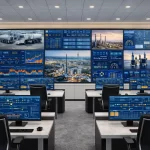
Some spaces require information to change quickly: control rooms, logistics areas, production floors, service desks, and transport environments. In these cases, screens can display alerts, KPIs, status boards, schedules, or priority messages that support decision-making.

4. Stronger brand presence

Visual content also helps reinforce identity. Screens can show institutional campaigns, product launches, event messages, sustainability initiatives, or branded content that makes a space feel more coherent and intentional.

Examples of digital signage use by sector

  • Retail and shopping malls: promotions, campaign launches, dynamic offers, wayfinding, and product highlights.
  • Corporate offices: internal communication, visitor welcome screens, room schedules, company updates, and executive dashboards.
  • Healthcare facilities: patient guidance, appointment information, service updates, educational content, and orientation inside the building.
  • Education: campus announcements, academic calendars, event promotion, emergency notices, and student-facing information.
  • Transportation and public spaces: schedules, alerts, route information, passenger guidance, and real-time service messages.
  • Industrial and operational environments: production KPIs, safety reminders, alerts, maintenance notices, and status information.

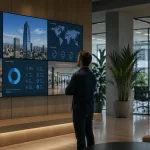
Corporate space using digital signage for visual communication

What to define before choosing technology

A strong visual communication strategy starts before selecting screens or software. The most effective projects are planned around the message, the audience, and the context in which the screen will be used.

  1. Define the communication objective: decide whether the content will inform employees, guide visitors, promote products, display operational data, or support a specific campaign.
  2. Map the audience and location: identify who will see each screen, where they will be standing or moving, and how much time they will have to read the message.
  3. Choose the right content format: use short messages, video, dashboards, schedules, alerts, QR codes, or branded visuals depending on the use case.
  4. Select appropriate audiovisual equipment: professional displays, video walls, interactive monitors, or kiosks should be chosen according to brightness, size, operating hours, and installation environment.
  5. Plan content governance: define who can publish, approve, schedule, and update content across each screen or location.
  6. Measure and improve: review whether the messages are clear, timely, and useful for the people in each space.

When a company needs a managed rollout

For a small space, a simple screen and content plan may be enough. For larger organizations, the project usually needs more structure: professional displays, media players, content management software, installation standards, support, permissions, and a plan for scaling across locations.

If your organization is planning a multi-location project, a corporate communication network, or a screen system that needs centralized management and support, review our digital signage solutions for businesses.

At Newtech Group, we help companies connect visual communication goals with the technical infrastructure required to operate reliably over time.
Share

facebook icon
linkedin icon
twitter icon
whatsapp icon
link icon
mail icon
telegram icon
Icono de especialistas en comunicaciones y videoconferencias

Talk to a specialist
in communications and videoconferences

If you are looking for advice on technological solutions
in videoconferences please write us!

"*" indicates required fields

This field is for validation purposes and should be left unchanged.

© 2026 All rights reserved | newtechgroup.com

chevron-upchevron-down