

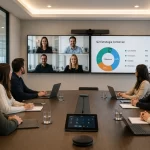
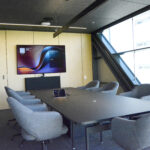


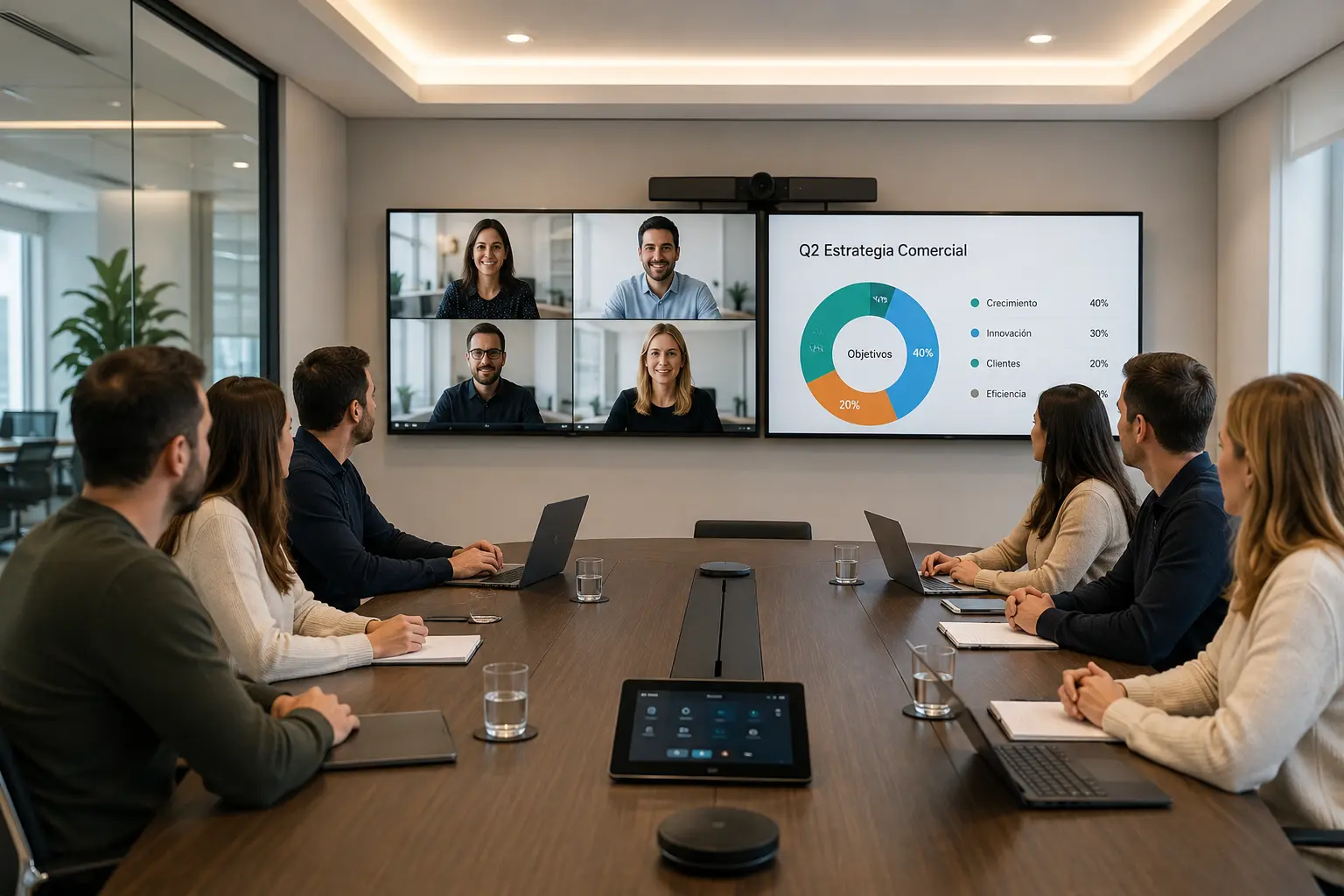



When a company grows, its communication needs change as well. Distributed teams, clients connecting remotely, and negotiations that require privacy and technical quality raise a specific question: what exactly is a conference room, and how does it differ from a standard meeting room? In this article, we answer that question and explain what equipment you need for your space to function properly in today's workplace. And if you already know that you want to implement a ready-to-use room, you can go directly to our meeting and conference room solutions. A conference room is a space designed for formal, medium-to-large-scale meetings, generally geared toward presentations, negotiations, meetings with external clients, or executive-level strategic sessions. It typically accommodates 10 or more people and is equipped with audiovisual technology that allows for both in-person and remote participation. Unlike an open workspace or an improvised room, it is designed to ensure privacy, high communication quality, and a professional experience for all participants, regardless of where they are connected. In practice, both terms are often used interchangeably. However, there is a relevant functional distinction: Understanding this difference is key when planning your equipment. A poorly equipped room can cause a meeting with an important client to lose professionalism and effectiveness. You can see the different formats in detail in our article on types of meeting rooms and how to adapt them. Not all rooms serve the same purpose. Depending on the available space and the number of participants, we can distinguish three main formats: Each size requires a different level of equipment. What works well in an 8-person room does not necessarily scale to a 30-person one. A well-equipped room integrates audio, video, connectivity, and control into a cohesive system. These are the components you can't miss—you can check the full catalog in our room AV equipment section: In hybrid environments, technical issues in rooms are one of the main obstacles to effective collaboration (a point that organizations like Gartner have been pointing out in their hybrid work research). Investing in the right equipment is not an expense: it is a strategic decision. Want to skip the theory? At Newtech Group, we design, equip, and integrate custom meeting and conference rooms with managed support. Request a free demo, and we will advise you based on your space. Before purchasing equipment, it is important to answer three questions: It is also key to consider the space's acoustics before choosing the audio system. A room with glass walls or hard floors requires additional acoustic treatment for microphones to function properly. You can review the basic advice in our checklist of 7 tips to get your room ready. The hybrid model transformed the role of these spaces. Before, a screen and a projector were enough for an in-person presentation. Today, the same room must ensure that a person connecting from another country has the exact same experience as someone sitting at the table. That implies cameras that detect who is speaking, microphones that capture voice from any point, and displays that show remote participants at life-size. Well-designed hybrid rooms are now one of the most important assets of any modern organization. The cost varies significantly based on the size of the space, the level of technology, and the platforms to be integrated. A small room can be equipped with a moderate investment using all-in-one solutions from brands like Logitech or Poly HP. A large room requires more complex systems with multiple cameras, distributed audio, and centralized control. The most important thing is not to underestimate the impact of poor equipment. The cost of a failed meeting with a strategic client far outweighs that of any investment in AV technology. If you want to know exactly what your space needs, the best first step is a diagnostic consultation. At Newtech Group, we design and implement custom meeting and conference rooms for companies throughout the region—from initial consulting to managed support. Request your free demo and discover which solution best fits your organization.What is a conference room?
How does it differ from a meeting room?
Types based on size
Essential equipment
How to choose the right equipment
Hybrid work: what changed
How much does it cost to equip?