









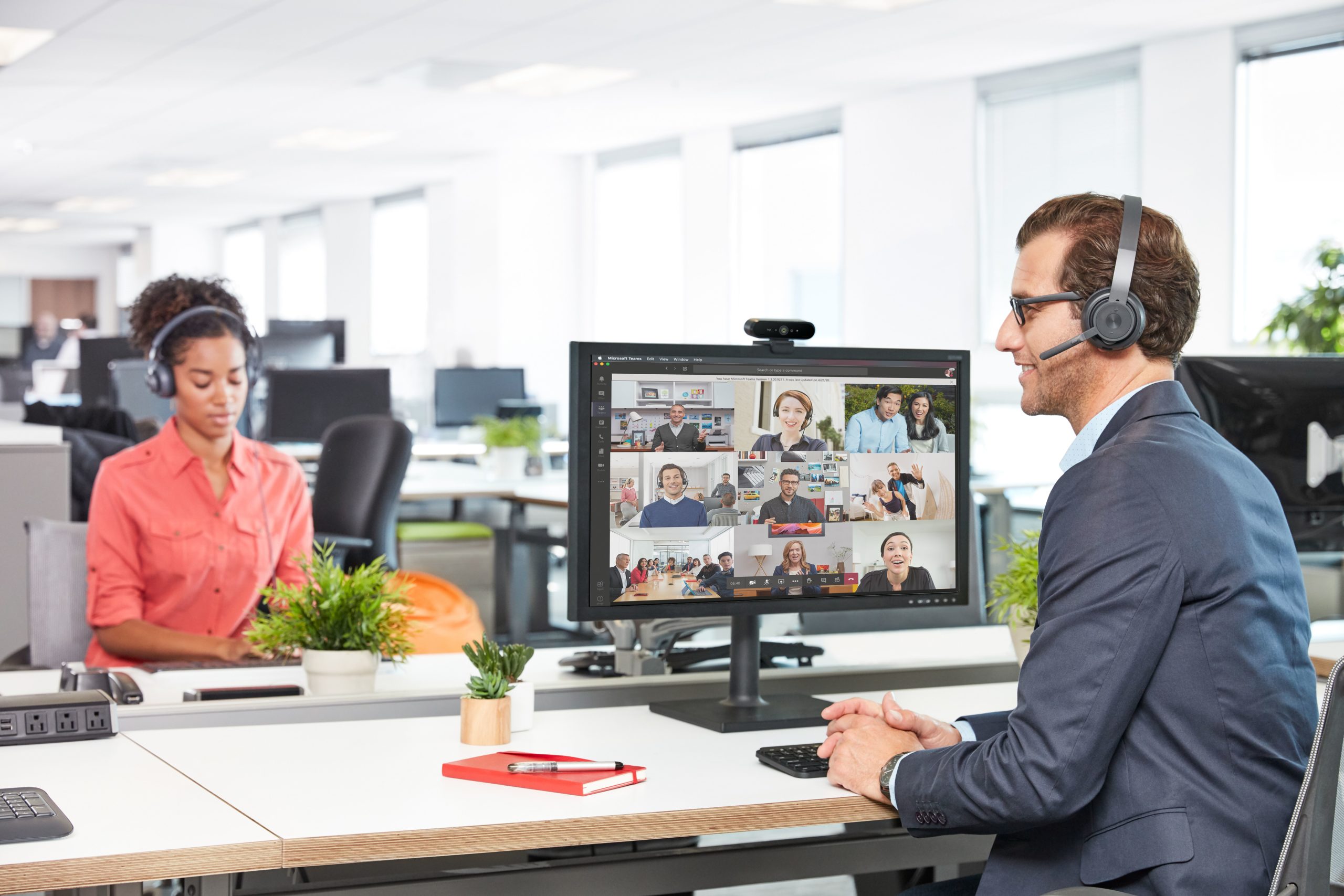



Hybrid work has made video calls part of the routine for almost every organization. As a result, the webcam has gone from being an optional peripheral to an element that directly influences how your clients, team, and partners see you in every meeting. But not all webcams are the same, and they are not designed for the same spaces. In this guide, we explain the types of webcams available, how to choose one, and when a space needs something more than a webcam. Equipping a meeting room for several people? Go straight to our video conferencing cameras for meeting rooms. The market offers webcams with very different features. Choosing the right one depends on understanding what sets each type apart: Standard HD resolution. Enough for informal or internal video calls where image quality is not critical. It works well in good lighting conditions, but loses sharpness in low-light environments or when the image is displayed on large screens. The current standard for individual professional use. It provides a clear and stable image in most environments, with better light handling than basic options. It is the most balanced choice for home office setups and individual workstations. Higher resolution and detail, especially useful when the image is displayed on large screens or when digital cropping is needed without losing quality. It requires more bandwidth and greater device capacity. It makes sense for executives with frequent external exposure, high-impact presentations, or setups where image quality is part of the brand. These webcams use AI to detect the participant’s face or body and automatically adjust the framing. They are practical for people who move while speaking or work in changing environments. Some also improve the image in real time, with features such as light correction and autofocus. A webcam is the right choice in these contexts: As the space grows or the meeting becomes more important, the limitations of a webcam become more evident: For these spaces, the right fit is a camera designed for meeting rooms, with wider coverage, optical zoom, auto-framing, and participant tracking. If you want to understand how PTZ models work, read our guide on what a PTZ camera is. The difference is not just about price or brand. It comes down to design and purpose: If, after evaluating your space and meetings, you conclude that a webcam is the right choice, these are the criteria that matter most: If your use case involves rooms with more participants, client meetings, shared spaces, or the need for automatic tracking, a webcam will fall short. At Newtech Group, we help organizations choose, install, and integrate the right camera for each room, number of participants, and platform, from huddle rooms to PTZ and AI-powered cameras for large rooms. See our video conferencing cameras for meeting rooms or contact us for guidance based on your space.Types of webcams
Basic 720p webcam
Full HD 1080p webcam
4K webcam
Webcam with auto-framing or person tracking
Which spaces is a webcam suitable for?
When a webcam is not enough
Webcam vs. meeting room camera: key differences
Webcam
Meeting room camera
Main use
Individual or very small room
Small, medium, large room, or auditorium
Field of view
70–90° (fixed)
Up to 120°, adjustable, or PTZ
Zoom
Digital (loses quality)
Optical (maintains sharpness)
Person tracking
Available in some models with basic AI
Yes, with speaker tracking and advanced auto-framing
Integrated audio
Basic built-in microphone
No audio (integrates with a dedicated audio system) or All-in-One with room coverage
Installation
Plug & Play, USB
Requires integration with display, network, and AV system
Certifications
Basic compatibility with Teams/Zoom/Meet
Certified for Microsoft Teams Rooms and Zoom Rooms, depending on the model
How to choose a webcam
Does your room need more than a webcam?