


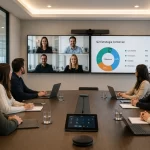
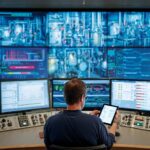
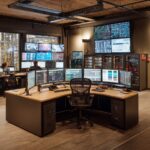

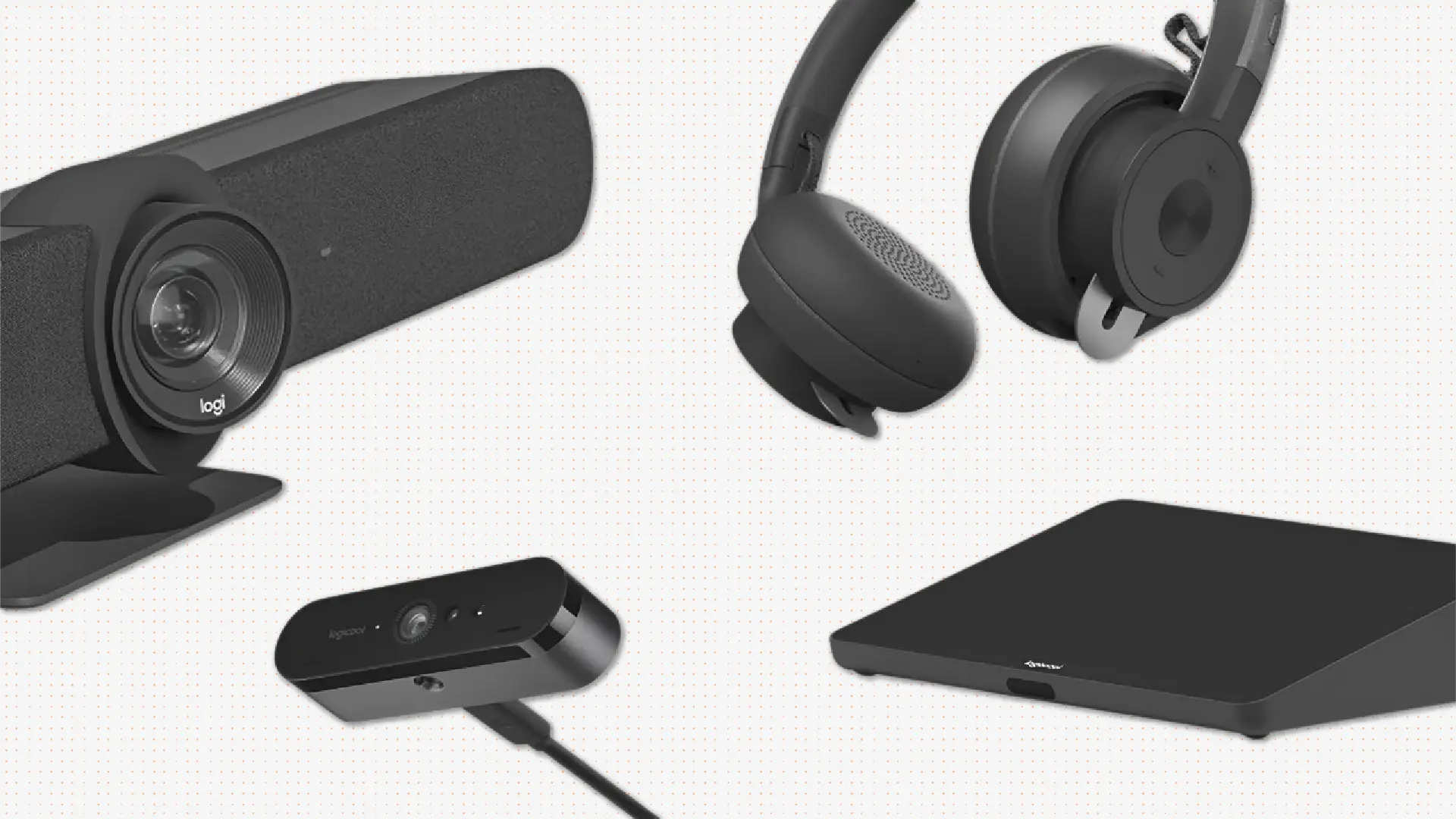



In the era of hybrid work and remote collaboration, video conferencing has become an essential resource for the daily operations of organizations. Internal meetings, customer service, training sessions, and international negotiations—all of these dynamics improve when the right setup is in place. A professional solution does not depend on a single device. The quality of the experience comes from correctly combining cameras, microphones, speakers, displays, platforms, and accessories according to the space and the number of participants. In this guide, we review the main components that should be considered when selecting video conferencing equipment for businesses, ensuring that every meeting is clear, stable, and easy to manage. Image quality is essential for participants to communicate naturally, interpret gestures, and follow presentations without difficulties. When selecting video conferencing cameras, it is useful to evaluate resolution, field of view, autofocus, performance under different lighting conditions, and the number of people who need to be in the frame. Audio is just as important as video. A proper microphone system ensures that every contribution is heard clearly and prevents meetings from being interrupted by noise, echoes, or differences in volume. Speakers must offer clear and uniform reproduction so that all participants can listen comfortably. In a meeting room, simply raising the volume is not enough; it is also necessary to control echo and prevent distortions that hinder conversation. Displays allow users to view remote participants, share presentations, and work on documents in real time. The quantity, size, and location should be defined based on viewing distance and room capacity. Video conferencing platforms allow for hosting virtual meetings, sharing content, and collaborating between on-site and remote teams. A stable implementation also depends on elements that often go unnoticed: camera mounts, cabling, network connectivity, adapters, control systems, and content sharing solutions. The devices must be selected according to the characteristics of the space. A room for four people does not require the same setup as a boardroom, an auditorium, or a room intended for strategic meetings. Implementing the right technology is only the first step. It is also important to perform updates, review device performance, and have technical support available for incidents. There is no single valid configuration for every case. Before selecting devices, it is advisable to analyze how many people usually use each space, what platforms the organization needs, what type of meetings are held, and whether the system needs to scale to other rooms or locations. The quality of a video conference depends on the integration of different components. Cameras, microphones, speakers, displays, platforms, and connectivity must function as part of the same system. Speak with an expert and discover how Newtech Group can help you choose the right video conferencing equipment for business tailored to your spaces and needs.What Components Does an Effective Video Conferencing System Need?
Video Conferencing Cameras
For small spaces, a professional webcam or a video bar may be sufficient. In medium or large rooms, PTZ cameras and systems with smart framing allow for better coverage of the space and adapt the image to the dynamics of each meeting.High-Quality Microphones
The choice depends on the size of the room and the distribution of the participants. Omnidirectional microphones are useful when multiple people speak from the same table, while expandable solutions allow for extended coverage in larger spaces.Speakers and Sound Systems
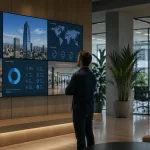
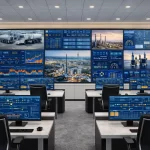
Depending on the dimensions of the space, an integrated audio video bar or a distributed system with additional speakers can be used.Displays and Visualization Solutions
In collaborative projects, interactive displays add touch features, annotations, and tools to share ideas during meetings, workshops, and training sessions.Video Conferencing Platforms
Microsoft Teams, Zoom, and Google Meet are some of the most widely used options in business environments. When selecting a platform, it is important to evaluate its ease of use, security, integration with other corporate tools, and compatibility with the installed devices.Accessories and Connectivity
These components must be planned from the beginning to avoid improvised setups, compatibility issues, and operational difficulties during meetings.Meeting Rooms Prepared for Hybrid Work
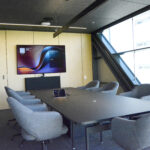
Designing meeting rooms equipped for video conferencing allows for the correct positioning of cameras, displays, microphones, and speakers, considering capacity, acoustics, lighting, and the platform used by the company.Maintenance and Technical Support
Preventive maintenance helps reduce downtime, extend device lifespan, and ensure that rooms are available whenever teams need them.How to Choose the Right Products for Each Business?
A well-dimensioned implementation avoids adding unnecessary components and allows for a consistent experience for both on-site and remote users.Conclusion
Furthermore, optimizing your collaboration spaces is essential to support hybrid work and facilitate smooth communication between on-site and remote teams.
Do you need to improve your company's video conferencing experience?